20A Branch Circuit and 65W Charging Limits
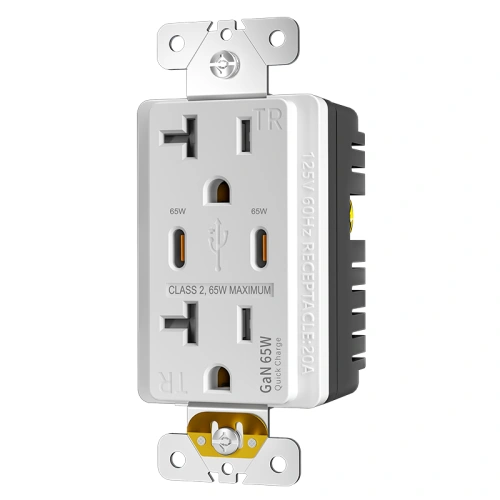
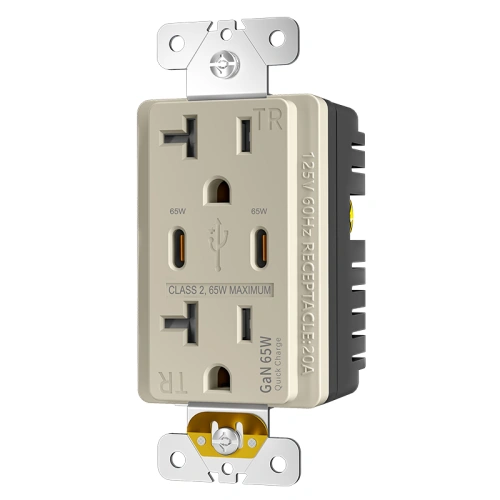
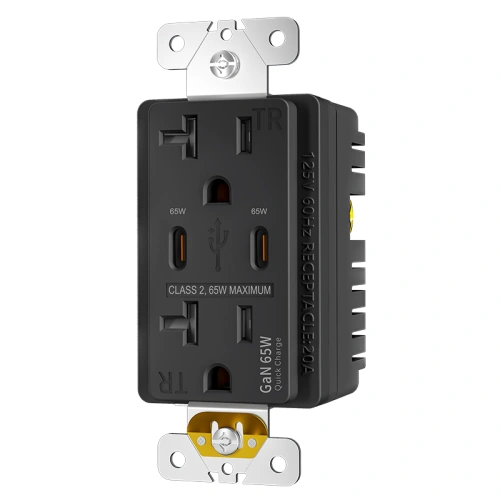
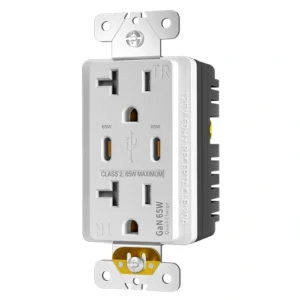
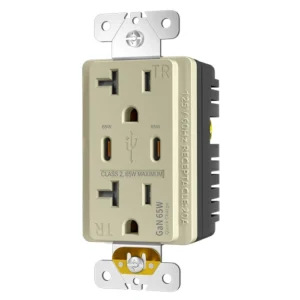
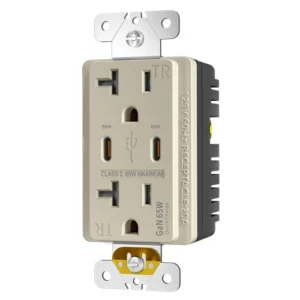
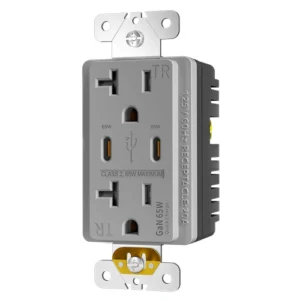
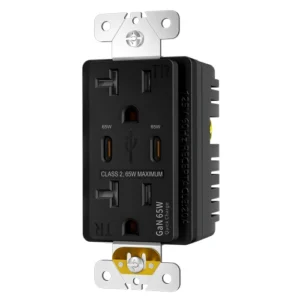
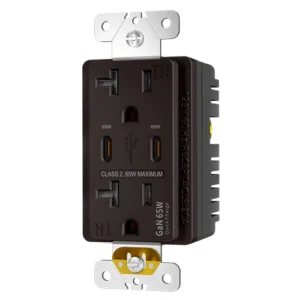
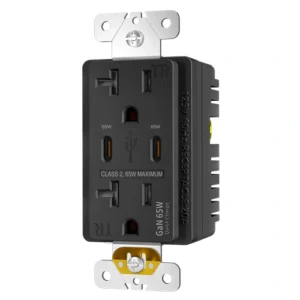
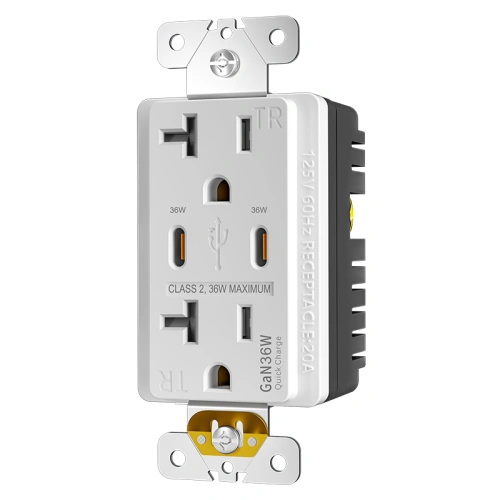
A 65w usb-c receptacle already signals that the buyer is working with a more demanding branch-circuit application, and this model adds a second layer of expectation by bringing 65W USB-C charging directly into the wall device itself. The AC side uses a NEMA 5-20R configuration for properly matched 20A installations, while the charging side uses two USB-C ports with a maximum combined Power Delivery output of 65W for higher-demand devices such as laptops, tablets, and phones. UL / cUL positioning, tamper-resistant shutters, and a non-GFCI indoor dry-location design place this SKU in a narrow but valuable part of the market where commercial buyers want heavier AC compatibility and cleaner USB-C power at the same location. This page needs to stand on its own because once a receptacle combines 20A format, dual USB-C, and 65W output, the real questions shift from “does it have USB?” to circuit matching, shared-power behavior, and installation depth.
Who Should Use This Model
- Contractors specifying a NEMA 5-20R USB receptacle for correctly matched 20A commercial branch circuits
- Facility and project teams upgrading conference tables, executive desks, tech lounges, and premium shared work areas
- Distributors serving buyers who want direct laptop charging from the wall instead of scattered desktop adapters
- Commercial purchasers looking for a flagship USB-C receptacle rather than an entry-level phone-charging outlet
When to Choose a Different Model
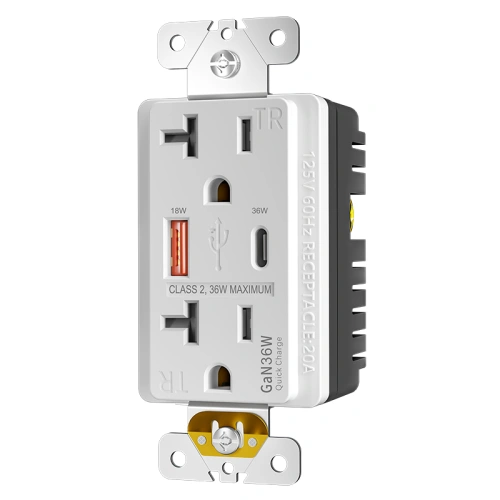
- Choose a 20A 36W dual USB-C model when the project mainly needs tablet and phone charging instead of regular laptop charging
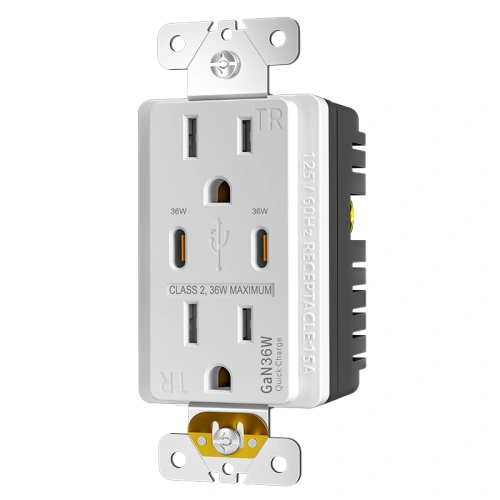
- Choose a 15A 65W dual USB-C model when site conditions do not support a 20A branch-circuit match
- Choose a USB GFCI model when the installation is near sinks, kitchens, bathrooms, breakroom wet zones, or other locations requiring ground-fault protection
20A Dual USB-C 65W PD Receptacle Technical Specifications
| Product Code |
SMUT20PD65C |
| Certified Safety |
UL / cUL |
| GFCI Type |
Standard Receptacle / Non-GFCI |
| Voltage |
125V |
| Amperage |
20A |
| NEMA |
5-20R |
| USB Rating |
65W Maximum Combined Output |
| USB-C Port 1 |
Power Delivery with shared output up to 65W total |
| USB-C Port 2 |
Power Delivery with shared output up to 65W total |
| Color |
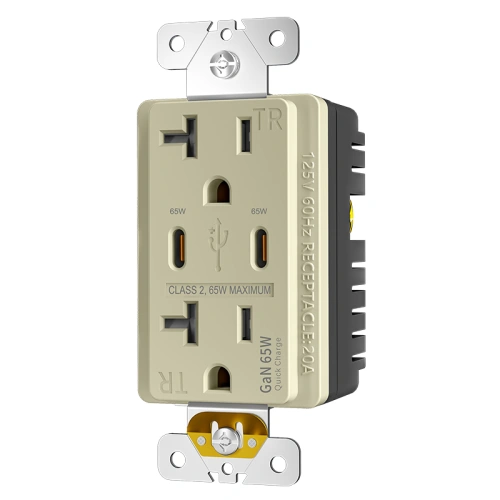
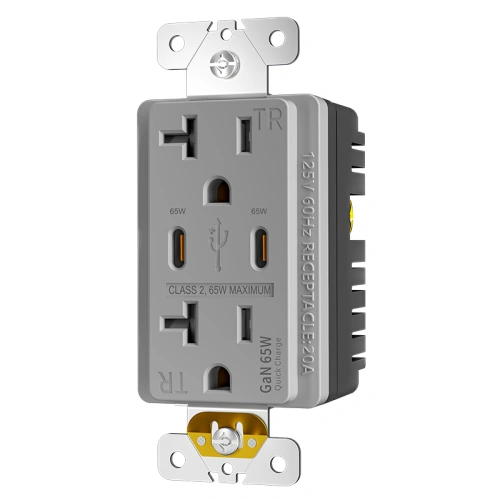
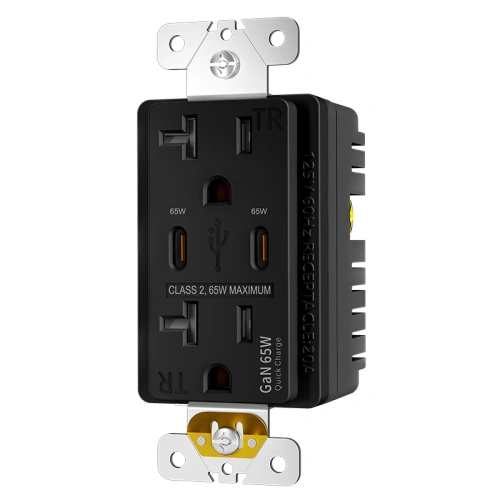
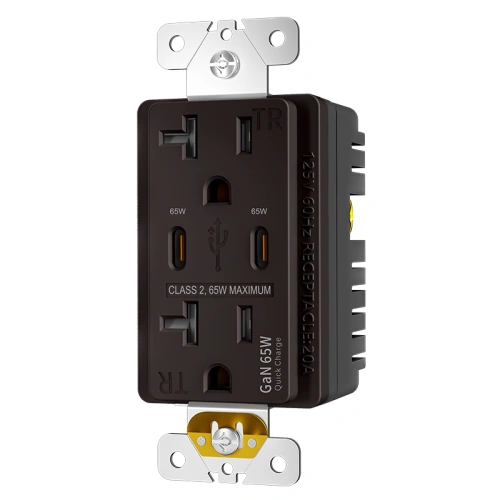
White / Black / Ivory / Almond / Grey / Brown / Graphite |
| Finish |
Decorator Style |
| Operating Temperature |
Indoor Dry Location Use |
| Application Sector |
Commercial / Office / Boardroom / Lounge / Interior Project Use |
| Features |
TR Shutters, Dual USB-C, 65W PD Charging, 20A T-Slot Format |
| Wiring Method |
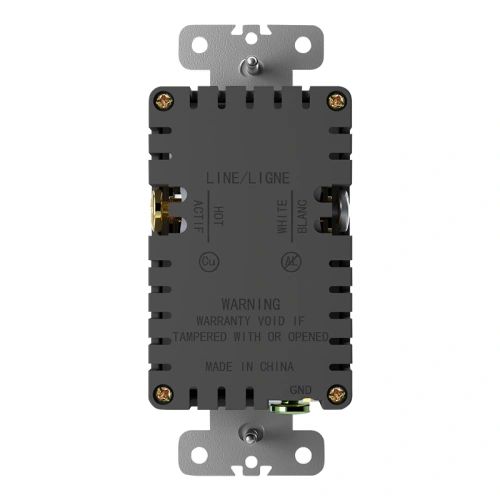
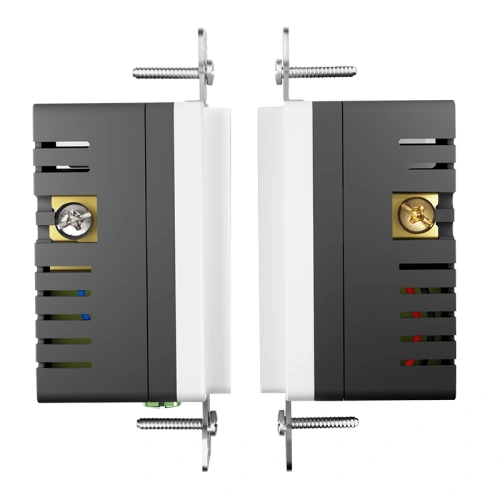
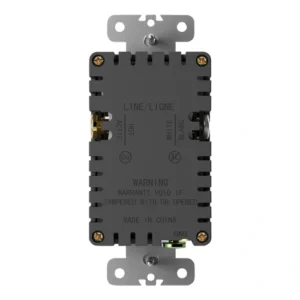
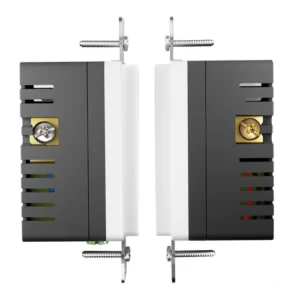
Back Wire and Side Wire |
| Pole |
2 Pole, 3 Wire Grounding |
| Wire |
Commercial 20A Branch Circuit Compatibility |
| Wall Plate Included |
Yes |
| Number of Receptacles |
1 Duplex AC Receptacle + 2 USB-C Charging Ports |
| Standards & Certifications |
UL / cUL |
| Grounding |
Grounding Receptacle |
| Trip Level |
Not Applicable |
| Safety Function |
Tamper Resistant |
| Tamper Resistant |
Yes |
| Weather Resistant |
No |
| Own US Patents |
Not Stated |
| Face Material |
Thermoplastic |
| Body Material |
Thermoplastic |
| Terminal |
Side and Back Wire |
| Country of Origin |
China |
Frequently Asked Questions (FAQ)
Can this 20A receptacle charge a laptop directly from the USB-C port?
Yes. A 65W USB-C PD output is high enough for direct charging on many modern laptops, so this receptacle can cover many everyday laptop, tablet, and phone charging needs without a separate wall charger.
Can both USB-C ports output 65W at the same time?
No. The 65W figure is the maximum combined USB output, not simultaneous 65W delivery on both ports. When two devices are connected, available power is shared intelligently across the two USB-C ports.
Can a 20A NEMA 5-20R receptacle be installed on a 15A branch circuit?
No. NEC 210.21(B)(3) does not permit a 20A receptacle to be installed on a 15A branch circuit. This model must be matched to a proper 20A application.
How is this different from a 20A 36W dual USB-C receptacle?
This model offers a higher charging ceiling for projects that expect direct laptop charging as part of normal use. A 36W model is typically more appropriate when tablets and phones are the main charging targets.
Is this a GFCI receptacle for kitchens, bathrooms, or sink-adjacent break areas?
No. This is a standard non-GFCI receptacle for indoor dry locations. Areas that require ground-fault protection should use a GFCI or USB GFCI device instead.
Why would a commercial buyer choose this model instead of a normal 20A outlet?
This model combines 20A receptacle compatibility with higher-output USB-C charging in the same device. It makes more sense when the project wants fewer desktop adapters and more direct charging capability at work surfaces.
Should installers plan for a deeper wall box on a 20A 65W receptacle?
Yes. A receptacle that combines 20A hardware with higher-output dual USB-C charging electronics usually creates more installation pressure than a standard outlet. Installers should review box depth, conductor space, and NEC 314.16 box fill planning before installation.
Do tamper-resistant shutters still matter on a high-output commercial USB-C receptacle?
Yes. Tamper-resistant construction remains an important code and safety feature for many covered installation types under NEC 406.12. This receptacle includes TR shutters as part of its specification profile.
Where High-Output Wall Charging Fits Best Applications
Why 65W Matters for Commercial Device Charging Video Overview