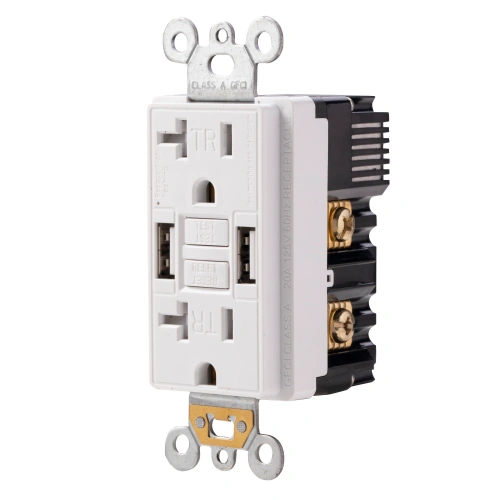
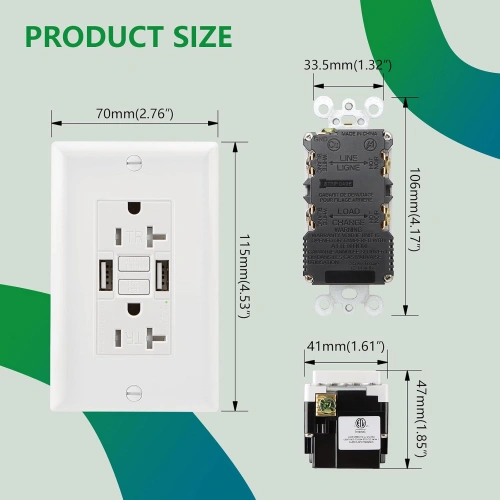
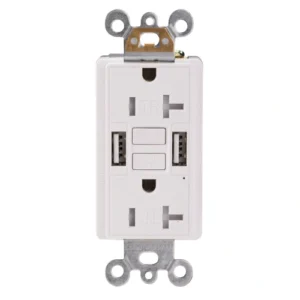
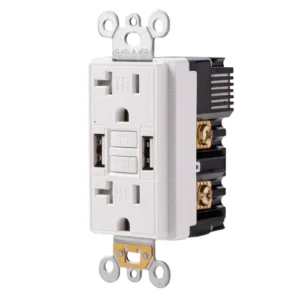
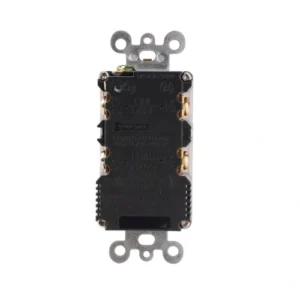
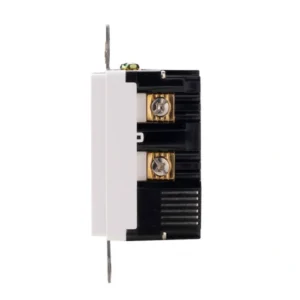
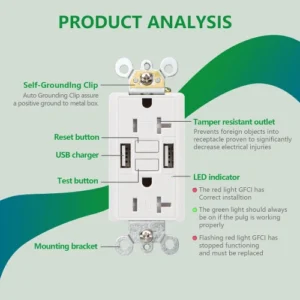
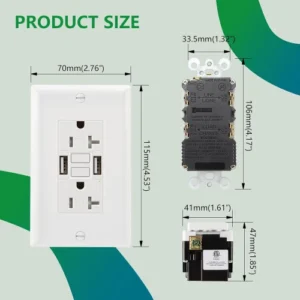
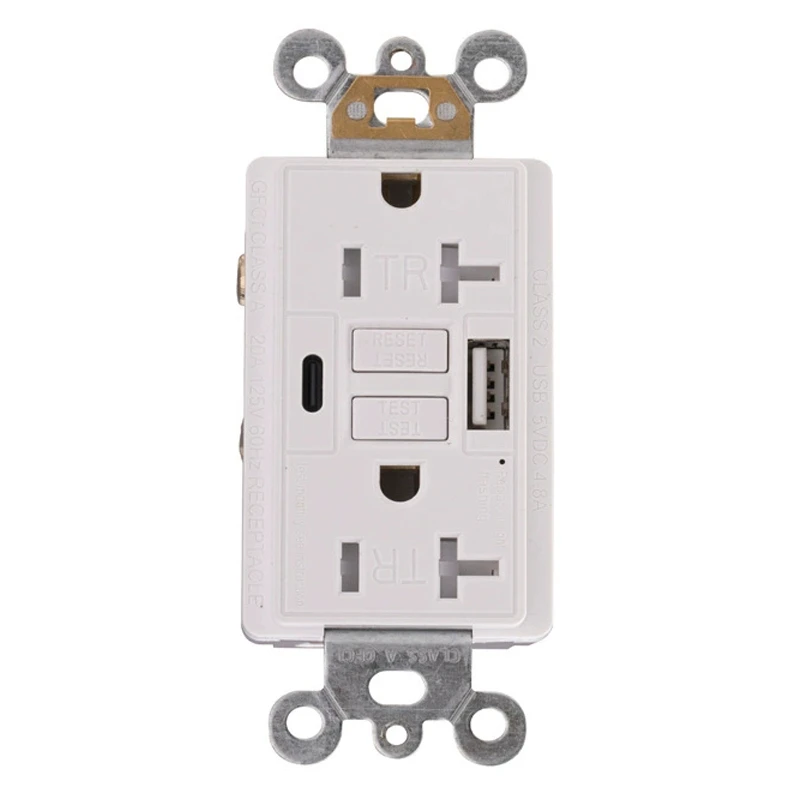
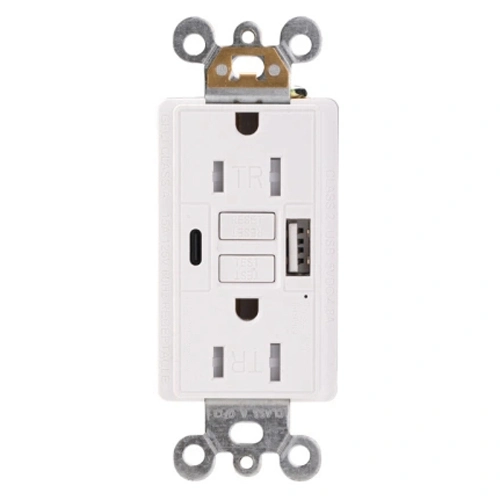
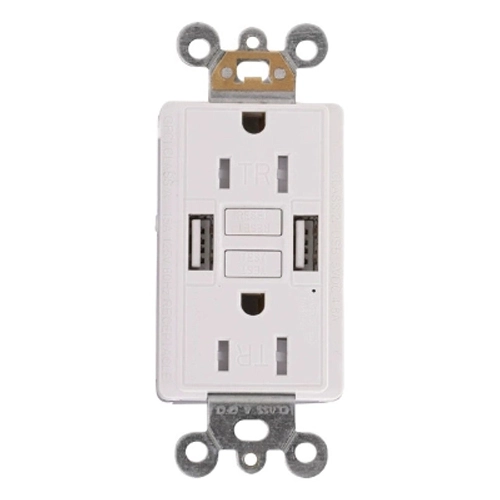
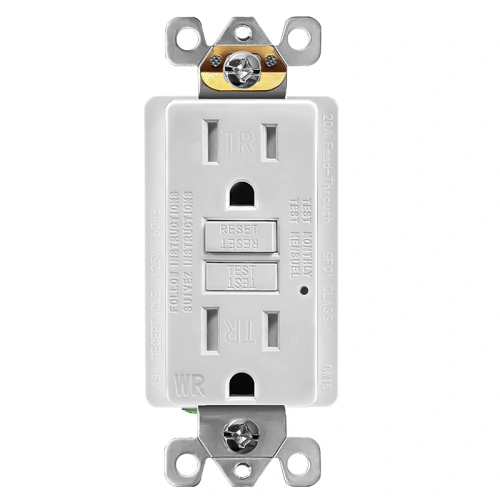
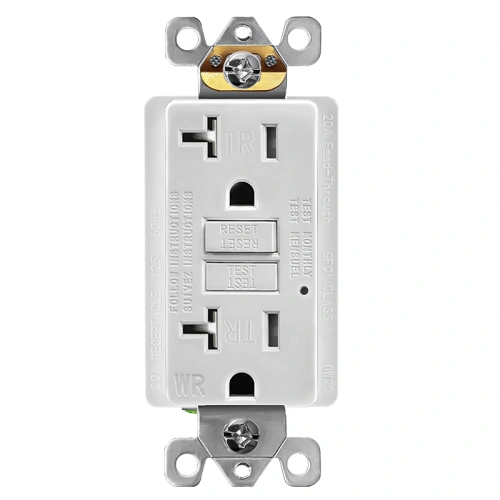
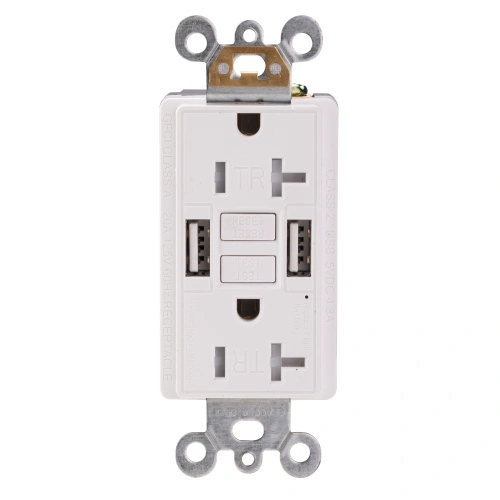
20 Amp GFCI Outlet with Dual USB-A Ports
- Automatic self-test monitoring helps verify GFCI protection status
- UL/cUL listed under the UL 943 Class A GFCI framework with a 5mA ±1mA trip level
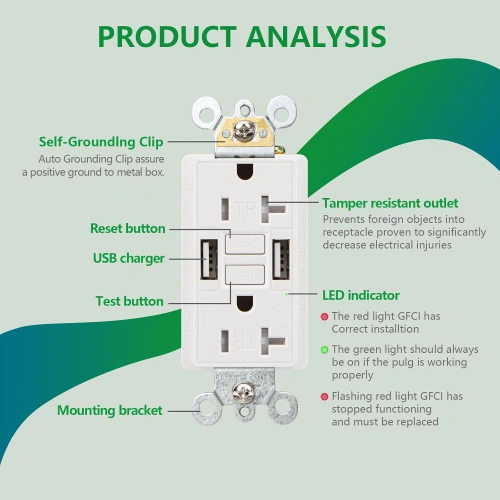
- Tamper-resistant AC receptacles support indoor applications that require TR protection under NEC 406.12
- NEMA 5-20R configuration with dual USB-A charging and back-wire / side-wire installation
- 5.0A total USB output with up to 5V DC 2.4A per USB-A port
- Wall plate included
Available Colors
What Is a 20A USB GFCI Receptacle?
A 20 Amp GFCI Outlet with USB is an indoor wall device that combines Class A ground-fault protection with built-in USB charging in a 20A NEMA 5-20R receptacle format. On the current UWTST20 page, this model is listed as a 125V, 20A, self-test, tamper-resistant GFCI with dual USB-A ports, 5.0A total USB output, and up to 2.4A per USB-A port. That makes it suitable for indoor projects that need both higher-capacity AC receptacle formatting and convenient in-wall USB charging in the same device.
Who Should Use This Model
- Contractors sourcing indoor 20A GFCI + USB combo upgrades
- Commercial kitchen and breakroom project buyers
- Hospitality and lounge renovation buyers needing charging convenience
- Distributors building out indoor 20A combo receptacle inventory
When to Choose a Different Model
- Choose a 15A combination USB GFCI receptacle when the project calls for a standard NEMA 5-15R device instead of a 20A T-slot format.
- Choose a standard 20A TR GFCI receptacle when USB charging is not needed and the project only requires GFCI protection.
- Choose a WR GFCI receptacle when the installation requires weather-resistant construction, because this model is explicitly non-WR.
NEMA 5-20R Dual USB-A GFCI Specifications
| Product Code | UWTST20 |
| Certified Safety | UL, cUL |
| GFCI Type | Self-Test GFCI, Class A GFCI |
| Voltage | 125V |
| Amperage | 20A |
| NEMA | 5-20R |
| USB Rating | 5.0A, 5V DC |
| USB A | 5V DC 2.4A |
| USB A | 5V DC 2.4A |
| Color | White,Ivory,Almond,Black,Grey,Brown,Graphite |
| Finish | Satin |
| Operating Temperature | -35C to 66C(-30F to 150F) |
| Application Sector | Commercial, Multi-Dwelling Unit, Residential |
| Features | Alarm, Self-Test |
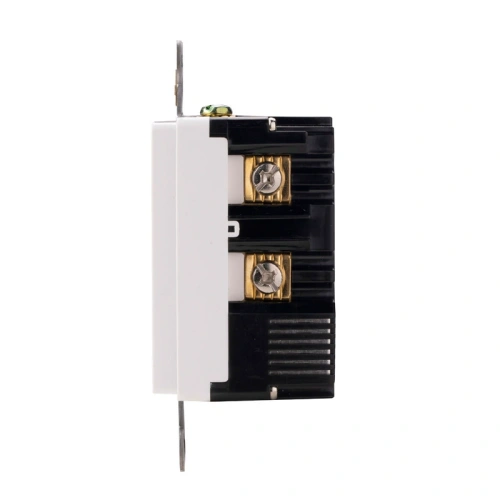
| Wiring Method | Back Wire and Side Wire |
| Pole | 2 |
| Wire | 3 |
| Wall Plate Included | Yes |
| Number of Receptacles | 2 |
| Standards & Certifications | UL/CSA, NEMA WD6 |
| Grounding | Self Grounding |
| Trip Level | Class A, 5mA ±1mA |
| Safety Function | Automatic self-test monitoring |
| Tamper Resistant | Yes |
| Weather Resistant | None |
| Own US Patents | Yes |
| Face Material | Thermoplastic |
| Body Material | Thermoplastic |
| Terminal | Brass-Hot, Green-Ground, Silver-Neutral |
| Country of Origin | China |
Frequently Asked Questions (FAQ)
What is a 20A NEMA 5-20R GFCI receptacle with USB ports?
A 20A NEMA 5-20R GFCI receptacle with USB ports is an indoor wall device that combines Class A ground-fault protection with built-in USB charging in a 20A receptacle format. This model adds dual USB-A charging to a tamper-resistant self-test GFCI, making it useful where both higher-capacity AC receptacle formatting and convenient charging are needed in one location.
Can I install this 20A USB GFCI on a standard 15A circuit?
No. This is a 20A NEMA 5-20R receptacle, so it should not be used as a standard 15A replacement. For buyer-facing selection, the safe rule is to use a 20A receptacle on a 20A branch circuit and confirm the final installation against the circuit design and adopted code.
What does 5A total USB output mean?
A 5A total USB output means the two built-in USB-A ports share up to 5 amps of total 5V DC charging capacity. On this model, each USB-A port is listed at up to 5V DC 2.4A, which makes it better suited to dual-device charging than lower-output USB receptacles.
Does this combination device need more wall-box space than a standard receptacle?
Yes. Combination devices that integrate 20A GFCI components and USB charging hardware can require more box space than a standard receptacle. That is why box volume and wiring space should be checked before replacement work begins, especially on remodel projects or boxes with limited depth.
Do the AC outlets on this unit accept both 15A and 20A plugs?
Yes. A NEMA 5-20R receptacle is designed around the 20A T-slot face pattern, and that format accepts standard 15A straight-blade plug use as well as 20A plug configurations. That is one of the main reasons buyers select a 20A combo device instead of a standard 15A USB GFCI.
Are the AC outlets tamper-resistant?
Yes. The AC receptacle portion of this model is tamper-resistant. The tamper-resistant shutter feature applies to the AC slots, while the USB charging ports are separate charging interfaces.
Is this combination GFCI USB receptacle weather-resistant?
No. This model is listed as weather-resistant none, so it is an indoor USB GFCI receptacle rather than an outdoor WR device. It is better suited to breakrooms, kitchens, hospitality interiors, and similar indoor projects.
Does this model include self-testing?
Yes. This receptacle is built as a self-test GFCI, and UL states that UL 943 applies to Class A GFCIs intended for personnel protection. That makes it suitable for buyers who want a current self-test indoor GFCI with built-in USB charging instead of an older non-self-test replacement.
Indoor 20A USB GFCI Receptacle Applications
Hotel Bathroom Vanities
Guests charge phones at the vanity without unplugging the hairdryer. Meets NEC 210.8(B) with integrated USB.
UL · cUL · UL 943 Class A
Airbnb & Short-Term Rentals
One device covers GFCI plus USB charging guests expect. Removes plug-in adapters that get lost between stays.
UL · cUL · Self-Test · USB-A
Student Housing
Dorm kitchenettes need GFCI under NEC 210.8; students need USB at every desk. One device does both.
UL · cUL · NEC 210.8
Master Bedrooms
GFCI coverage near en-suite vanities plus nightstand USB charging from one gang box. Self-test built in.
UL · cUL · Self-Test
UL Listed 20A GFCI with Dual USB-A Overview
5-Step Quick Wiring Guide for GFCI Receptacles
This is a general wiring reference for standard U.S. GFCI receptacle installation. Always turn off power first and verify local code and product-specific instructions before installation.
- Turn Off Power: Switch off the breaker and verify the electrical box is de-energized with a voltage tester.
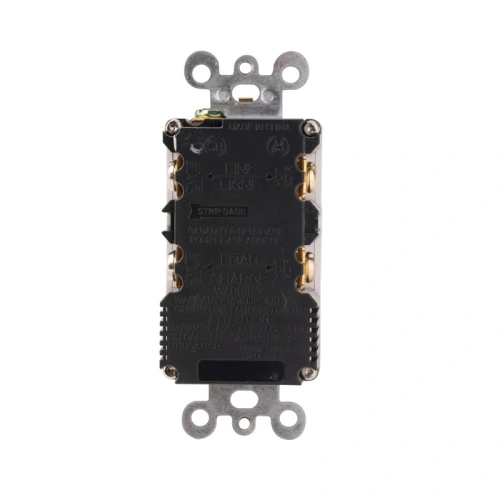
- Identify LINE and LOAD: Locate the incoming power cable for the LINE terminals. If a second cable feeds downstream receptacles, identify it as LOAD and use it only when downstream GFCI protection is required.
- Connect the LINE Wires: Connect the incoming hot wire to the brass LINE terminal, the incoming neutral wire to the silver LINE terminal, and the ground wire to the green grounding terminal.
- Connect LOAD Only If Needed: If downstream protection is required, connect the outgoing hot wire to the brass LOAD terminal and the outgoing neutral wire to the silver LOAD terminal. Do not reverse LINE and LOAD.
- Mount and Test the GFCI: Fold the wires neatly into the box, mount the receptacle and wall plate, restore power, press RESET, then press TEST to confirm proper operation before resetting again.
Product Categories
Send the target market, rating, color, quantity, packaging needs, and any TR / WR / OEM requirements before final quotation.