15a usb gfci receptacle
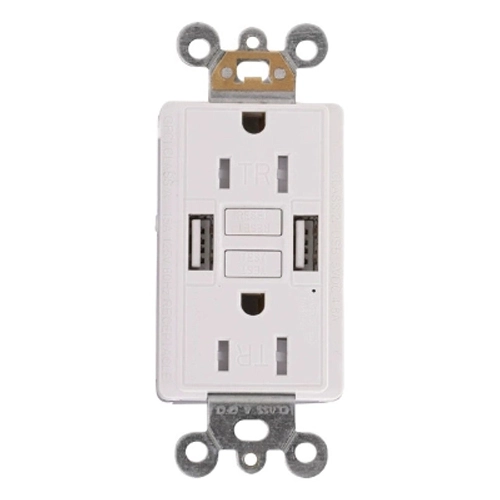
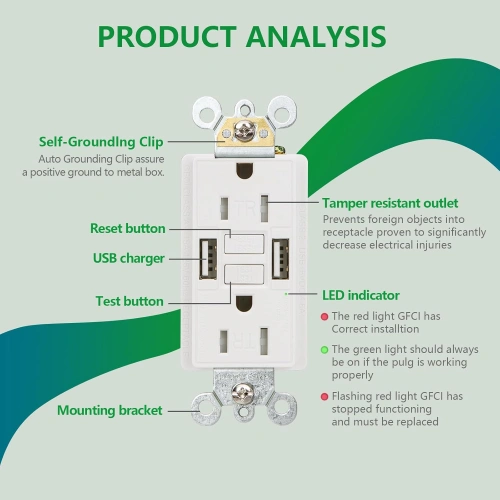
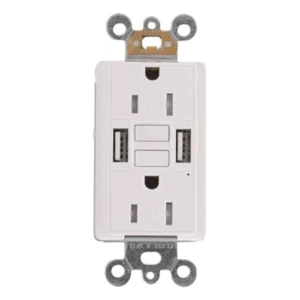
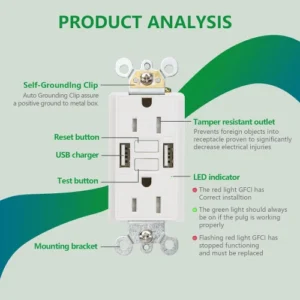
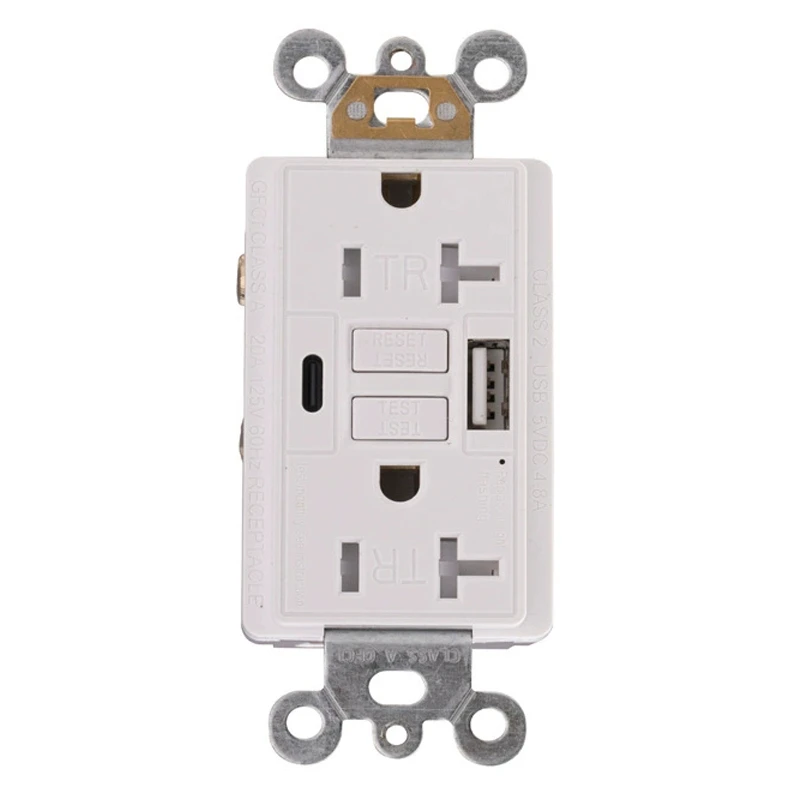
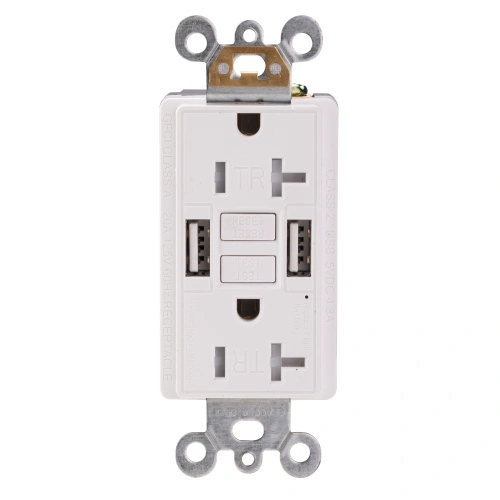
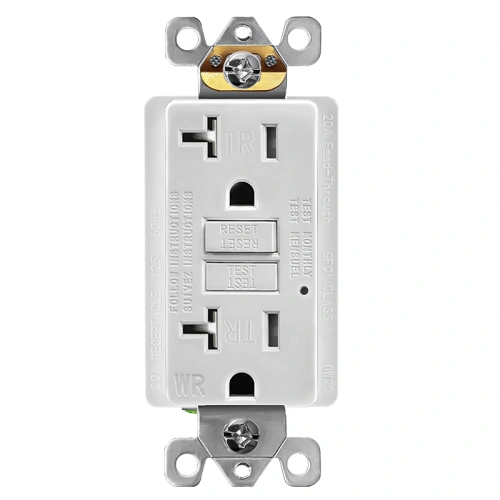
Front view of white 15A USB GFCI receptacle showing dual USB-A ports and self-test buttons
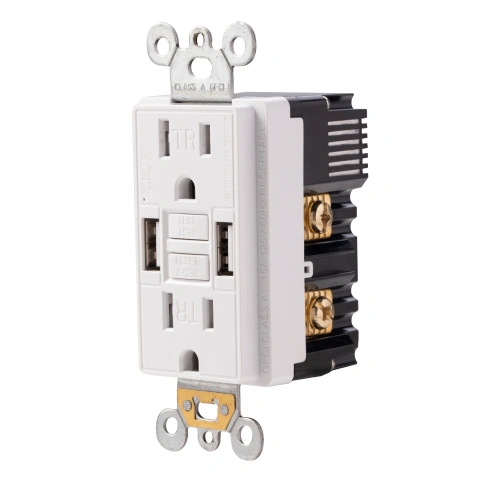
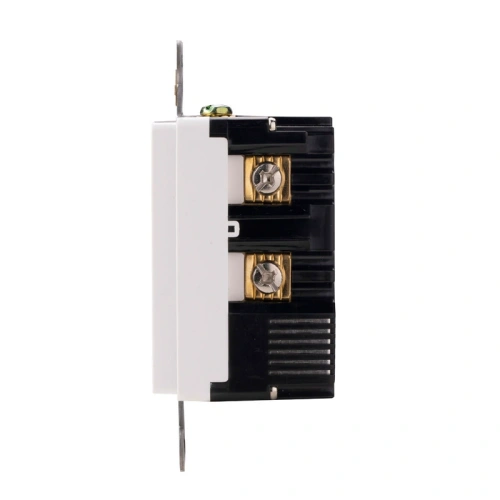
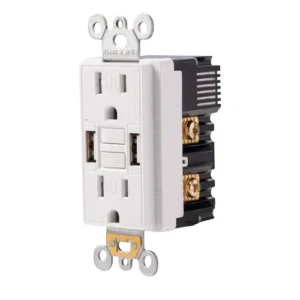
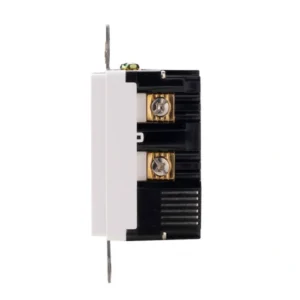
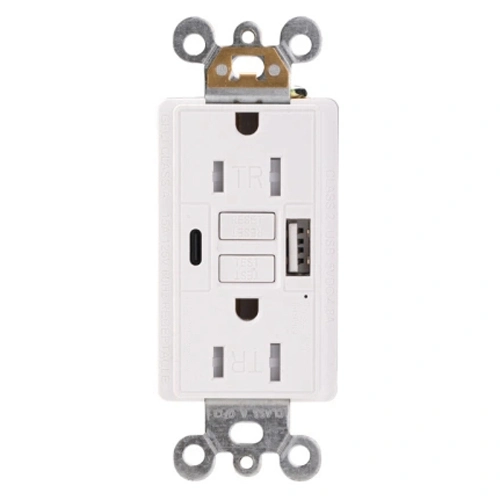
Side profile of combination GFCI and USB charger showing terminal area and device depth
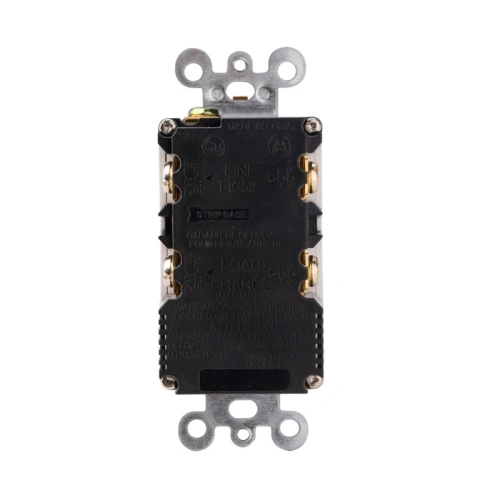
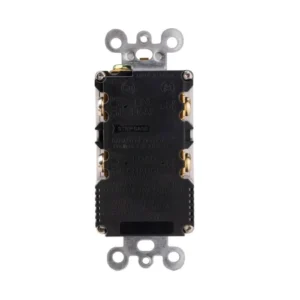
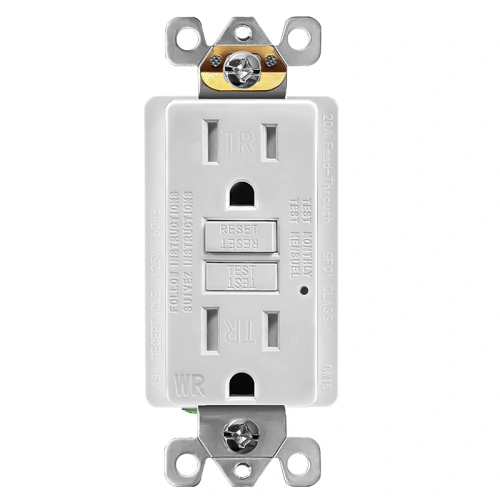
Back view of 15 amp indoor USB GFCI showing grounding point and strip gauge markings
Wiring diagram for a USB GFCI outlet showing correct line and load terminal connections
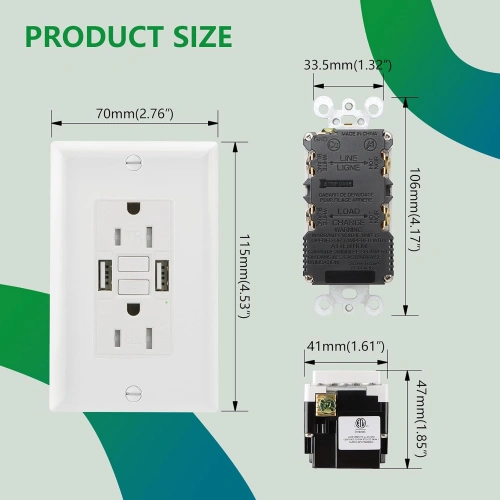
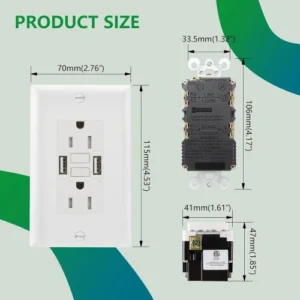
Dimensional drawing of a 15A tamper-resistant USB GFCI for standard wall box planning
15a usb gfci receptacle
Front view of white 15A USB GFCI receptacle showing dual USB-A ports and self-test buttons
Side profile of combination GFCI and USB charger showing terminal area and device depth
Back view of 15 amp indoor USB GFCI showing grounding point and strip gauge markings
Wiring diagram for a USB GFCI outlet showing correct line and load terminal connections
Dimensional drawing of a 15A tamper-resistant USB GFCI for standard wall box planning

15A Combination USB GFCI Receptacle with Dual USB-A

  • 15A GFCI receptacle with dual USB-A charging for indoor convenience
  • Up to 5V/2.4A from one port and up to 5A total across both USB ports
  • Tamper-resistant shutters plus self-test monitoring protection
  • Designed for indoor kitchens, bathrooms, hospitality, and apartment upgrades
  • Not positioned for WR or outdoor applications

Why Choose ShengYu

  • North America Market Expertise
  • Stable Production, Reliable Quality
  • OEM / ODM for Brand Growth
  • Commercial Project Supply Support
  • Private Label & Packaging Customization

Available Colors

White-WH
Black-BK
Ivory-I
Almond-LA
Grey-GY
Brown-BR
Graphite-GR
Products Categories
Get A Free Quote
Request a Quote

15A USB GFCI Receptacle Descriptio

15A USB GFCI Receptacle with Dual USB-A is a GFCI outlet designed for indoor bathrooms, kitchen islands, hospitality interiors, and other spaces that need both ground-fault protection and built-in USB charging in one wall device. It features a 15A rating, self-test monitoring functionality, tamper-resistant protection, two USB-A charging ports with up to 5V/2.4A from one port and up to 5A total output, and UL-listed GFCI certification context under UL 943. It is suitable for contractors, distributors, hotel project buyers, property managers, and remodel-focused purchasers sourcing code-oriented indoor GFCI USB combo receptacles for North American installations.

Dual USB-A GFCI Outlet Features

Product Code UWTST15
Certified Safety UL, cUL
GFCI Type Self-Test GFCI, Class A GFCI
Voltage 125V
Amperage 15A
NEMA 5-15R
USB Rating 5.0A, 5V DC
USB A 5V DC 2.4A
USB A 5V DC 2.4A
Color White,Ivory,Almond,Black,Grey,Brown,Graphite
Finish Satin
Operating Temperature -35C to 66C(-30F to 150F)
Application Sector Commercial, Multi-Dwelling Unit, Residential
Features Alarm, Self-Test
Wiring Method Back Wire and Side Wire
Pole 2
Wire 3
Wall Plate Included Yes
Number of Receptacles 2
Standards & Certifications UL/CSA, NEMA WD6
Grounding Self Grounding
Trip Level Class A, 5mA plus or minus 1mA
Tamper Resistant Yes
Weather Resistant None
Own US Patents Yes
Face Material Thermoplastic
Body Material Thermoplastic
Terminal Brass-Hot, Green-Ground, Silver-Neutral
Country of Origin China

Frequently Asked Questions (FAQ)

Can I install a USB GFCI in a bathroom?

A USB GFCI can be appropriate for bathroom installations when the device rating, installation location, and project requirements align with applicable code and product instructions. For bathroom use, GFCI protection is the key functional requirement, and the final installation should follow the adopted code and the supplied device instructions.

Will a 5A dual USB GFCI charge two tablets at the same time?

This model is intended for dual-device charging convenience and provides up to 5A total USB output across both USB-A ports. Actual charging speed depends on the devices connected and how the available output is shared during simultaneous use.

Does the self-test function also protect the USB section?

The self-test function relates to the GFCI protection system of the receptacle device. For practical project use, the full device should still be installed and used according to the product instructions and listing details rather than assuming the USB section has separate protection logic.

Do I need a deeper electrical box for a USB GFCI?

Combination devices that integrate GFCI components and USB charging hardware can require more installation space than a standard receptacle. Final box-depth suitability should be checked against the product dimensions, wiring layout, and installation instructions before replacement work begins.

How do I read the wiring diagram for a 15A GFCI with USB ports?

The wiring diagram is used to identify line and load terminal relationships and support correct installation planning. Final wiring should always follow the exact diagram and instructions supplied with the product.

What are the NEC considerations for installing a tamper-resistant USB GFCI indoors?

Indoor suitability should be reviewed against the actual installation location, the GFCI protection requirements in NEC 210.8, the tamper-resistant receptacle framework in NEC 406.12, and the locally adopted code edition before installation.

Product Overview

5-Step Quick Wiring Guide for GFCI Receptacles

This is a general wiring reference for standard U.S. GFCI receptacle installation. Always turn off power first and verify local code and product-specific instructions before installation.

  1. Turn Off Power: Switch off the breaker and verify the electrical box is de-energized with a voltage tester.
  2. Identify LINE and LOAD: Locate the incoming power cable for the LINE terminals. If a second cable feeds downstream receptacles, identify it as LOAD and use it only when downstream GFCI protection is required.
  3. Connect the LINE Wires: Connect the incoming hot wire to the brass LINE terminal, the incoming neutral wire to the silver LINE terminal, and the ground wire to the green grounding terminal.
  4. Connect LOAD Only If Needed: If downstream protection is required, connect the outgoing hot wire to the brass LOAD terminal and the outgoing neutral wire to the silver LOAD terminal. Do not reverse LINE and LOAD.
  5. Mount and Test the GFCI: Fold the wires neatly into the box, mount the receptacle and wall plate, restore power, press RESET, then press TEST to confirm proper operation before resetting again.
You May Also Like
Scroll to Top

Get A Free Quote Now !

Request a Quote
Partner with ShengYu Manufacturing for UL-certified wiring devices. We offer competitive factory-direct pricing and dedicated support for your large-scale projects.
about us